
Key Takeaways
Application hosting enables web and mobile applications to run reliably on online servers instead of local devices
Web and mobile apps rely on hosted backends to process logic, store data, and manage user authentication
Choosing the right hosting depends on traffic patterns, performance needs, budget, and security requirements
Shared hosting is cost-effective but carries higher security risks due to resource and port sharing
VPS, dedicated, and cloud hosting provide better isolation and reduced attack surfaces
Cloud hosting supports automatic scaling and handles heavy traffic more efficiently
Managed hosting reduces operational burden by handling maintenance, updates, and security
Hosting infrastructure directly impacts application speed, availability, and user experience
Security risks increase with poor isolation, outdated configurations, and unmanaged environments
Proper application hosting is important for scalability, compliance, and long-term business growth
Every time you open an app or visit a website, something works in the background to keep it fast, stable, and available. You rarely notice it, but without this system, apps would slow down, fail under pressure, or stop responding as users increase.
That system is called App Hosting. It allows applications to run on online servers instead of local machines, making them accessible at any time and from any location. This approach has become standard as software usage continues to move online.
In 2024, the global application hosting market was valued between USD 78 and 90 billion, showing how widely this model is now adopted across industries. Businesses rely on app hosting to support growth, improve performance, and reduce the burden of managing infrastructure on their own. In this blog, we will discuss what app hosting is, how it works, and why it plays such an important role in modern applications.
What is App Hosting?
Here’s the best way to think about it:
App hosting means running your software application on a server or cloud service so that users can access it online.
You probably have used apps that don’t store data on your phone but connect to a remote system (for example, social apps or online banking). That remote system is hosted, it’s living somewhere else on powerful machines that deliver your app to you when you open it.
Let’s break that down further for you so it makes sense even if you're not technical:
You create an app (could be web or mobile)
You upload it to a hosted system (a server or cloud)
People open your app from anywhere on the internet
The hosted system sends content and data back and forth
Without app hosting, apps would only run on your own computer or phone and others could not use it without you sharing files manually or keeping your device running constantly.
The Core Components of Application Hosting

Consider app hosting as building a house for your software. The house needs walls, doors, windows, electricity, and security. In app hosting, the “house” includes:
A. The Hosted Server or Hosting Platform
This is the actual computer (or group of computers) where your app lives online. If you imagine the internet, think of servers as big machines connected to the network that can respond to user requests instantly.
B. Server-Side Components
Most apps are not just static. They interact with data, respond to logins, calculate results, and run logic. All that happens on the server side, behind, on computers the user never sees.
C. Data Storage
Your app often needs to remember things, user information, settings, history, messages, etc. That data must be stored securely on the hosting provider’s infrastructure.
D. User Authentication
Users need to prove who they are. Authentication is the process of checking identities before granting access to the app functions and data.
E. Server-Side Processing
This covers all actions that happen away from the user’s device, like fetching data, running calculations, doing updates, saving files, sending notifications, and more.
These components together make sure your app does what it is supposed to do, reliably and securely.
Types of Application Hosting
Application hosting is not limited to infrastructure alone. The first distinction to understand is what type of application you are hosting. Most applications fall into one of two categories: web applications or mobile applications. While both rely on servers, how they work and what they require can differ significantly.
A. Web Application Hosting
Web application hosting is used for applications accessed through a web browser. These include e-commerce websites, SaaS dashboards, admin panels, blogs, and enterprise portals.
How Web Application Hosting Works
A user opens a browser (Chrome, Safari, Firefox, etc.)
The browser sends a request to your hosted server
The server processes logic, fetches data from databases, and returns a response
The browser renders the content (HTML, CSS, JavaScript)
All business logic, authentication, and data handling happen on the hosted server.
Common Languages Used
Frontend: HTML, CSS, JavaScript
Backend: PHP, Python, Java, Node.js, Ruby, .NET
Popular Frameworks
Frontend: React, Angular, Vue.js
Backend: Laravel, Django, Spring Boot, Express.js, Ruby on Rails
Best Use Cases
E-commerce platforms
SaaS applications
Business dashboards
Content management systems
Web hosting prioritizes fast page load times, secure authentication, and stable backend processing.
B. Mobile Application Hosting
Mobile applications may live on a phone, but they still depend heavily on hosting. Almost all modern mobile apps use hosted backends to store data, sync users, and manage functionality.
How Mobile Application Hosting Works
A user opens the mobile app
The app sends API requests to a hosted backend
The backend processes logic, authentication, and database operations
Data is sent back to the app in JSON or similar formats
The mobile app is just the interface. The real work happens on hosted servers.
Common Languages Used
Android: Java, Kotlin
iOS: Swift, Objective-C
Backend: Node.js, Python, Java, Go, .NET
Popular Frameworks & Tools
Mobile: Flutter, React Native, SwiftUI
Backend: Firebase, Express.js, Django REST, Spring Boot
APIs: REST, GraphQL
Best Use Cases
Social media apps
Banking and fintech apps
Ride-sharing and delivery apps
Messaging platforms
Mobile app hosting focuses on API performance, data security, scalability, and real-time communication.
Hosting Infrastructure Types & Their Security Risks
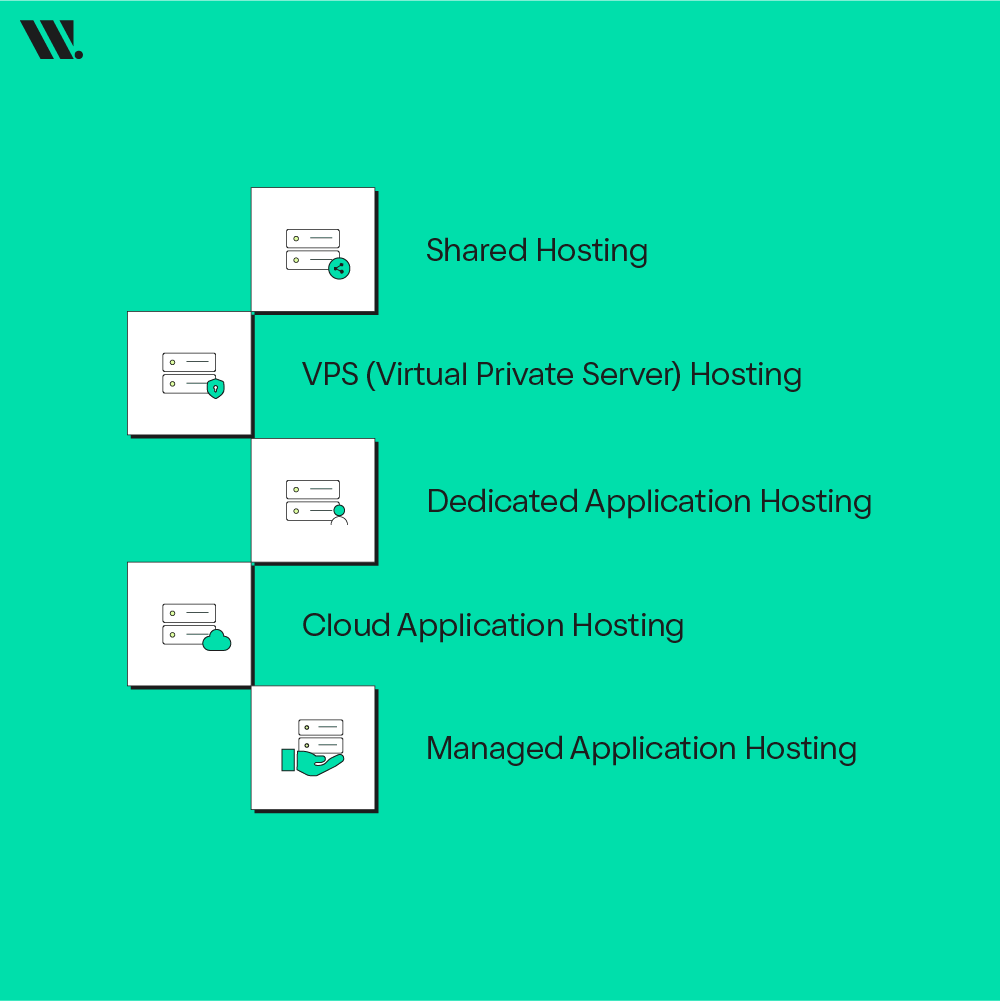
Once you decide whether you are hosting a web app or a mobile app, the next step is choosing how and where the app will be hosted. This decision has a direct impact on security, performance, and risk exposure.
A. Shared Hosting
Shared hosting means multiple websites or applications share the same server, CPU, memory, and network ports.
What You Can Use It For
Small websites
Early-stage web apps
Low-traffic projects
Security Risks
Hundreds of users share the same server
More open ports = more attack surfaces
If one site is compromised, others may be affected
If an attacker injects malicious code into one website, it can spread or expose shared resources
Limited firewall and isolation controls
Risk Level: HIGH
Shared hosting is the most vulnerable option, especially for apps handling user data, logins, or payments.
B. VPS (Virtual Private Server) Hosting
VPS hosting divides a server into isolated virtual environments. Each app gets dedicated resources.
What You Can Use It For
Growing web apps
APIs and backend services
Small business applications
Security Improvements
Better isolation between users
Fewer exposed ports than shared hosting
Custom firewall and security rules
If another VPS is hacked, your environment remains isolated
Risk Level: MEDIUM
Much safer than shared hosting, but still requires proper server configuration and updates.
C. Dedicated Application Hosting
Dedicated hosting gives you an entire physical server exclusively for your application.
What You Can Use It For
Enterprise applications
High-traffic platforms
Financial or healthcare systems
Security Advantages
No shared resources
Minimal exposed ports
Full control over security policies
Strong resistance to cross-tenant attacks
Risk Level: LOW
Security depends mainly on how well the server is managed.
D. Cloud Application Hosting
Cloud hosting uses multiple servers working together and dynamically allocates resources.
What You Can Use It For
Scalable web and mobile apps
SaaS platforms
Apps with unpredictable traffic
Security Advantages
Network isolation
Built-in DDoS protection
Automatic patching and monitoring
Fewer single points of failure
Risk Level: LOW
Cloud hosting reduces risk significantly when configured correctly.
E. Managed Application Hosting
Managed hosting means the provider handles security, updates, monitoring, and backups.
What You Can Use It For
Teams without security expertise
Businesses that prioritize uptime and compliance
Security Advantages
Professional security management
Continuous monitoring
Faster response to threats
Reduced human error
Risk Level: VERY LOW
Ideal for businesses that want strong security without managing servers themselves.
How App Hosting Works - Step by Step
Let's discuss how app hosting functions from the moment an application is created to the point where users interact with it daily. Each step builds on the previous one, and skipping any part usually leads to performance or security problems.
Step 1: Building the Application
The process begins with building the application itself. Developers write code for the application based on its purpose.
This could be:
A web application accessed through a browser
A mobile application backend that supports Android or iOS apps
A combined system serving both platforms
For example, an online marketplace application includes code for product listings, user accounts, order processing, and payments. At this stage, the application usually runs only in a development environment and is not accessible to the public.
The application exists, but it has no hosting infrastructure yet.
Step 2: Choosing a Hosting Provider
Once the application is ready for users, it needs an environment where it can run continuously.
Organizations choose from:
Cloud application hosting platforms such as AWS, Microsoft Azure, or Google Cloud
Managed application hosting services
Dedicated server providers
A company expecting variable traffic often selects cloud hosting because it can scale resources automatically. Teams with limited technical staff often choose managed hosting so server maintenance, updates, and security are handled by the provider.
This decision directly affects reliability, performance, and long-term cost.
Step 3: Application Deployment
Deployment is the process of transferring the application from a local environment to the hosting platform.
During deployment:
Application files and services are uploaded
Databases and storage systems are connected
The hosting environment is prepared to run the app continuously
For example, when a logistics platform deploys its application, it uploads services that handle shipments, tracking updates, and user access. After deployment, the application no longer depends on a single machine and can serve users at any time.
This step marks the transition from development to production.
Step 4: Configuration of Server-Side Components
After deployment, configuration is required to make the application secure and stable.
This step includes setting up:
Data storage for user and application data
User authentication systems for access control
Server-side processing for handling requests and logic
Security rules such as firewalls and encrypted connections
Scaling settings to manage increases in user activity
For instance, a financial application must ensure that login requests, transaction validation, and account access are processed only through secure server-side components. Hosting platforms provide tools to define and enforce these rules.
This configuration determines how safely and efficiently the application operates.
Step 5: Going Live and Serving Users
Once configuration is complete, the application is connected to:
A domain name for web access
Mobile applications through APIs
When a user opens the application:
A request is sent to the hosted server
The server processes the request using application logic
Required data is retrieved from storage
A response is sent back to the user
For example, when a user checks an order status on an e-commerce platform, the hosted application retrieves order data, verifies user access, and displays updated information within seconds.
All processing happens on the hosting infrastructure, not on the user’s device.
Step 6: Monitoring, Updates, and Ongoing Management
After launch, the application requires continuous oversight.
Hosting platforms typically provide:
Performance and error monitoring
System logs for troubleshooting
Automated scaling during traffic increase
Tools for deploying updates without service interruption
For example, during a promotional event, increased traffic can trigger automatic resource expansion. If a software update is needed, developers can release changes while keeping the application available.
This ongoing management is a major reason organizations prefer cloud application hosting and managed application hosting over maintaining their own servers.
Which App Hosting Options Can Suit You
Now let’s go into choices you will likely face.
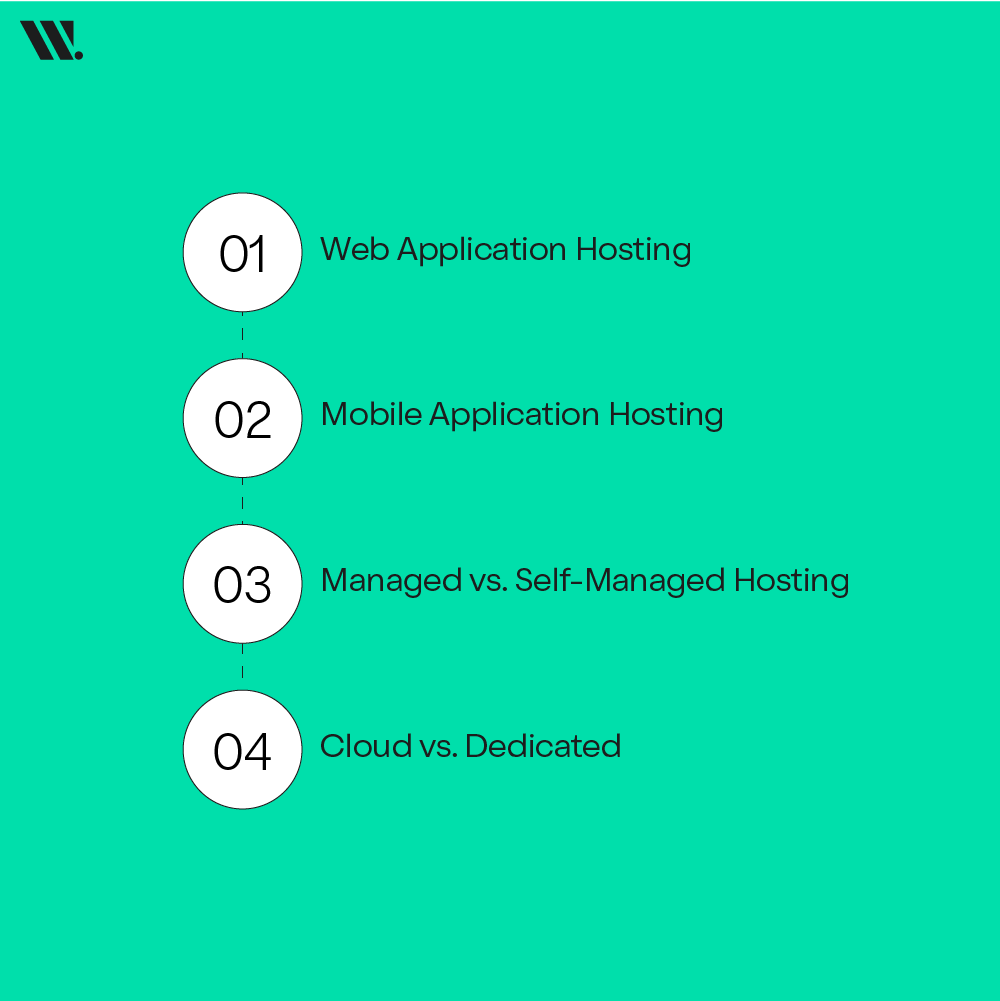
Web Application Hosting
This hosting is for apps accessed through a web browser, like e-commerce sites or dashboards. These need servers that can deliver pages fast and secure login systems.
Mobile Application Hosting
Mobile apps still need servers to store data, sync users, and connect with services. The backend of mobile apps is often hosted in cloud environments for scalability.
Managed vs. Self-Managed Hosting
Managed Hosting: Best if you don’t want to deal with servers
Self-Managed Hosting: Gives control but needs technical skill
Cloud vs. Dedicated
Cloud Hosting: Best for growing apps and variable traffic
Dedicated Hosting: Best for stable, predictable environments
Each option has advantages, you just match it to what your app really needs.
Why Hosting Choice Matters for Security
Choosing the wrong hosting type can expose your app to:
SQL injections and malware
Cross-site contamination (especially in shared hosting)
Data leaks due to poor isolation
Downtime during traffic spikes
Compliance violations
For example, if 500 websites are on one shared server, that means:
Hundreds of open ports
Multiple vulnerable applications
A single weak app can become an entry point
With VPS, cloud, or dedicated hosting, isolation and controlled access significantly reduce these risks.
How to Choose the Right Hosting Infrastructure
The right hosting setup depends on several key considerations about how the application will perform, grow, and be managed. Key factors include:
Know Your Traffic Patterns
Ask yourself: Will this app get thousands of users at once or just dozens? If huge, cloud hosting is ideal.
Budget Matters
If cost is tight, you need to start small with managed or shared options, then scale up as needed.
Security Requirements
Apps that handle sensitive data (like financial or medical records) should choose hosting with advanced security and compliance support.
Need for Speed
If your app needs to load instantly and handle millions of requests, consider a scalable cloud infrastructure.
Technical Resources
If your team has limited IT skills, use managed hosting, it takes that burden off your shoulders.
Choosing the right hosting is not about the cheapest option, it’s about the one that fits your app’s needs today and in the future.
Advantages of Application Hosting
App hosting gives your application the infrastructure it needs to perform reliably, grow with user demand, and remain secure without overwhelming your team. For business owners, developers, or anyone managing apps, these advantages translate into benefits that impact growth, cost, and user experience.
When applications are hosted properly, they are not just “online” they become stable, fast, and accessible anywhere, which directly affects customer satisfaction, operational efficiency, and long-term success.
Key advantages include:
High Availability: Your app stays online even during peak traffic or unexpected spikes, so users can access it anytime without interruptions.
Automatic Scaling: Hosted platforms can expand resources automatically when more users join, preventing slowdowns or crashes.
Stronger Security: Advanced hosting providers offer encryption, firewalls, and compliance tools that protect sensitive data and reduce the risk of breaches.
Reduced Maintenance Load: With managed hosting, the platform handles updates, patches, and server maintenance, freeing up your team to focus on improving the app itself.
Faster Performance: Optimized servers, caching, and content delivery networks (CDNs) improve load times, keeping users engaged and reducing bounce rates.
Reliable Data Storage and Backups: Data is securely stored with regular backups, so nothing is lost even if a technical issue occurs.
Global Accessibility: Cloud-based app hosting makes your application available to users anywhere, expanding reach without the need for local servers.
App Hosting Options Side by Side
This table should help you quickly see the differences when making a decision.
Feature | Traditional Hosting | Cloud App Hosting | Managed Hosting | Dedicated App Hosting |
Scalability | Limited | Highly scalable | Scales with provider support | Moderate to High |
Cost | Lower upfront | Pay-as-you-use | Higher (service included) | Highest |
Control | High | Moderate | Low | Full |
Maintenance | You | Shared | Provider | You |
Security | You | Provided often | Strong | Strong |
Best For | Small static apps | Growing / dynamic apps | Teams without IT | Enterprise & large traffic |
Use Cases Where Application Hosting is Used
Every application you rely on, from banking apps to online marketplaces, depends on hosting to function properly. Hosting determines whether an app can handle millions of users, stay secure, and deliver a smooth experience without interruptions. Understanding where and how hosting is used shows why businesses invest in the right infrastructure, and why choosing the right setup matters for performance, security, and growth.
Application hosting is important in these areas:
E-commerce Platforms
Banking and Financial Applications
Healthcare Management Systems
Educational Portals and Online Learning Platforms
Social Media and Communication Apps
Enterprise Resource Planning (ERP) Systems
Customer Relationship Management (CRM) Tools
Streaming Services and Media Platforms
Mobile App Backends
IoT and Smart Device Applications
The Cost of Application Hosting
Many people assume hosting an application is just about paying a monthly fee, but the reality is more nuanced. The cost depends on factors like traffic volume, security requirements, performance needs, and the level of management you expect from the hosting provider. Understanding these costs upfront helps businesses plan budgets effectively and avoid surprises as their app grows.
Key factors affecting application hosting costs include:
Type of Hosting - Shared, dedicated, managed, or cloud hosting all come with different price ranges.
Traffic Volume - High user numbers or sudden traffic spikes can increase costs due to additional server resources.
Storage and Data Usage - Applications that store large amounts of data or handle frequent transactions require more storage, which affects pricing.
Security and Compliance - Advanced security features, encryption, and regulatory compliance (like financial or healthcare apps) can increase costs.
Technical Support - Managed hosting with 24/7 support usually costs more than self-managed servers.
Scalability Options - Hosting that can automatically scale resources during heavy usage may have higher base pricing but prevents downtime.
Add-On Services - Backups, monitoring, content delivery networks (CDNs), and other add-ons can add to the monthly or annual cost.
While initial hosting for small apps can start at a few dollars per month on shared platforms, enterprise-level applications with millions of users and high security requirements can cost hundreds or thousands per month. Planning according to current needs and future growth is key to keeping costs under control.
Conclusion
App hosting is the backbone of every modern application. It makes sure apps are fast, secure, and available to users at all times. Choosing the right hosting infrastructure, understanding costs, and knowing how hosting works are important for developers and businesses alike.
From e-commerce platforms to enterprise systems, effective hosting provides reliability, scalability, and security. Investing in the right application hosting strategy is not just a technical choice, it directly impacts performance, user experience, and long-term success.
FAQS for Application Hosting
Do I need separate hosting for web and mobile apps?
Not necessarily. Many modern hosting solutions allow a single backend to serve both web and mobile applications through APIs. However, depending on traffic and performance requirements, you might choose separate servers or environments for optimal scalability.
How does hosting affect app security beyond encryption?
Hosting providers often include advanced security measures such as firewall protection, DDoS mitigation, malware scanning, automated backups, and compliance with industry standards (like HIPAA or PCI). These features reduce the risk of breaches and ensure sensitive data stays protected.
What happens if my app suddenly gets a traffic increase?
If your app is hosted on a scalable cloud platform, resources like CPU, memory, and bandwidth can automatically expand to handle the spike. Without scalable hosting, traffic surges may slow down or crash the app, affecting user experience and revenue.
Are there hosting options specifically for startups or small apps?
Yes, shared hosting or entry-level managed hosting plans are ideal for small apps and startups. They are cost-effective, easy to set up, and provide basic resources. As your app grows, you can upgrade to cloud or dedicated hosting without major changes.
How does hosting impact app performance for international users?
Apps hosted with global cloud networks or integrated Content Delivery Networks (CDNs) can serve content faster to users in different regions. Without this, users far from the server may experience
slower load times or lag, affecting engagement.
Can I host an app without a technical team?
Yes, managed application hosting platforms handle server maintenance, updates, security, and monitoring, allowing businesses to focus on app functionality without needing in-house technical expertise.