
Key Takeaways
Shared hosting allows multiple websites to run on a single server, thereby helping to keep hosting costs low.
The hosting provider manages the server, security, updates, and performance in the background.
Resources like storage, memory, and bandwidth are shared and controlled to keep websites stable.
Shared hosting works best for blogs, small businesses, and websites with low to medium traffic.
While performance is reliable for normal use, growing websites may need to upgrade later.
Web hosting is what keeps websites running smoothly. Every website needs a server to store its files and deliver them to visitors quickly. In recent years, shared hosting has become one of the most popular choices for beginners and small businesses because it is affordable and easy to use.
Hostinger reports that the global web hosting market will reach USD 126 billion in 2026, with shared hosting holding a significant share due to its cost-effectiveness and simple setup. The shared hosting segment alone is expected to grow to USD 70.6 billion by 2026. This growth highlights how shared hosting continues to be a practical and reliable option for anyone looking to establish an online presence without technical stress or high spending.
What is Shared Hosting?
Shared hosting means many websites are placed on one physical server. Each website has its own files, database, and login access, but the main server resources are shared among all users.
A simple way to understand this is through an apartment building example. Every family has its own apartment, but everyone uses the same lift, water system, and electricity. In the same way, a shared hosting server runs multiple websites while dividing its power, storage, and internet connection between them. This setup lowers costs and allows hosting companies to manage the technical work for users.
How Does Shared Hosting Work?
Shared hosting works by running many websites on a single server that is already set up and maintained by the hosting provider. When a visitor opens your website, the server delivers your site files while also serving other websites at the same time.
Behind the provider handles server setup, software updates, monitoring, and security. You only manage your website through a control panel. Here is how websites run on the same server in simple steps:
The hosting provider installs one operating system on the server.
The server is divided into separate user accounts.
Each website gets its own folder and database.
Visitors request pages through their browser.
The server finds the correct files and sends them back.
This shared hosting system shows how sites stay separate while sharing the same machine.
How Hosting Providers Distribute Resources
Hosting providers use server-level software to control how resources are shared. They set clear limits for CPU usage, RAM, storage, and monthly traffic for each account. Many providers use isolation tools such as CloudLinux to prevent one website from using too many resources. If one site becomes too heavy, the system restricts it so that other sites stay stable. This process helps maintain shared hosting performance for all users on the server.
Factors to Consider When Selecting a Shared Hosting Provider
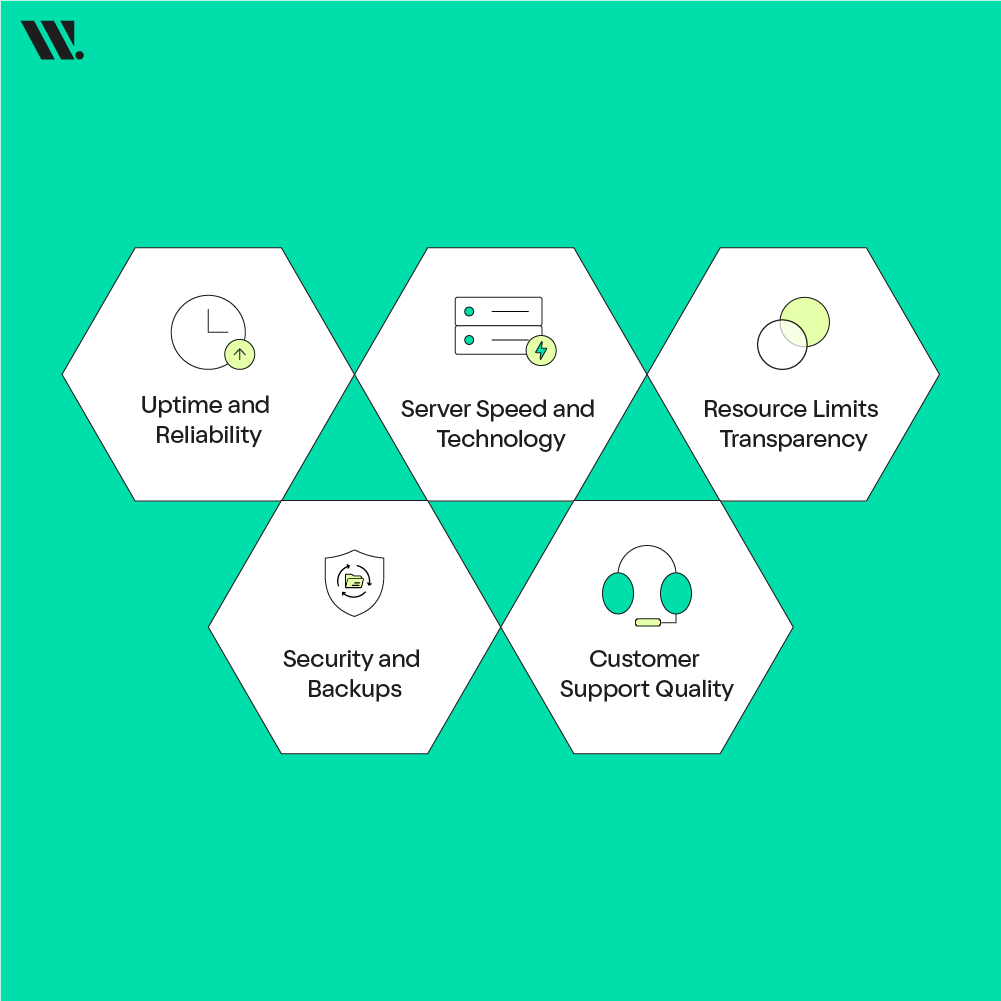
Choosing a shared hosting provider is not only about price. The provider controls the shared hosting server, so their quality affects your website every day. A good choice saves time, avoids downtime, and keeps your site stable.
Uptime and Reliability
Uptime means how often the server stays online. A provider with poor uptime causes your website to disappear for visitors and search engines. Always look for a provider that promises at least 99.9% uptime and has a strong track record.
Server Speed and Technology
Fast servers use modern hardware like SSD or NVMe storage. These reduce loading time and improve user experience. Slow servers make even simple websites feel heavy and unprofessional.
Resource Limits Transparency
Every shared server has limits. A good provider clearly explains CPU, RAM, and bandwidth limits. This clarity helps you understand how hosting multiple websites will behave as traffic grows.
Security and Backups
Shared environments need strong protection. Features like SSL certificates, malware scanning, daily backups, and firewalls protect your site from common threats without extra effort.
Customer Support Quality
Problems can happen at any time. Reliable support through chat or tickets helps fix issues quickly and reduces stress for website owners.
What are the Benefits of Shared Web Hosting?

Shared hosting is popular because it solves many problems for beginners and small businesses. It allows people to focus on content and growth instead of technical setup.
Affordable and Predictable Cost
Shared hosting is cost-effective because server expenses are split among many users. This makes monthly pricing low and predictable, which helps startups and small businesses manage budgets easily.
Simple Setup and Management
Most shared hosting plans include easy control panels. Users can upload files, manage emails, and install WordPress without technical knowledge. This ease of use saves time and avoids hiring developers.
Managed Server Responsibilities
The hosting company handles updates, security patches, monitoring, and maintenance. Website owners do not worry about server health or software updates.
Built-In Tools and Basic Security
Shared hosting often includes SSL certificates, email services, backups, and basic security tools. These features protect websites and improve trust without extra configuration.
What are the Disadvantages of Shared Web Hosting?
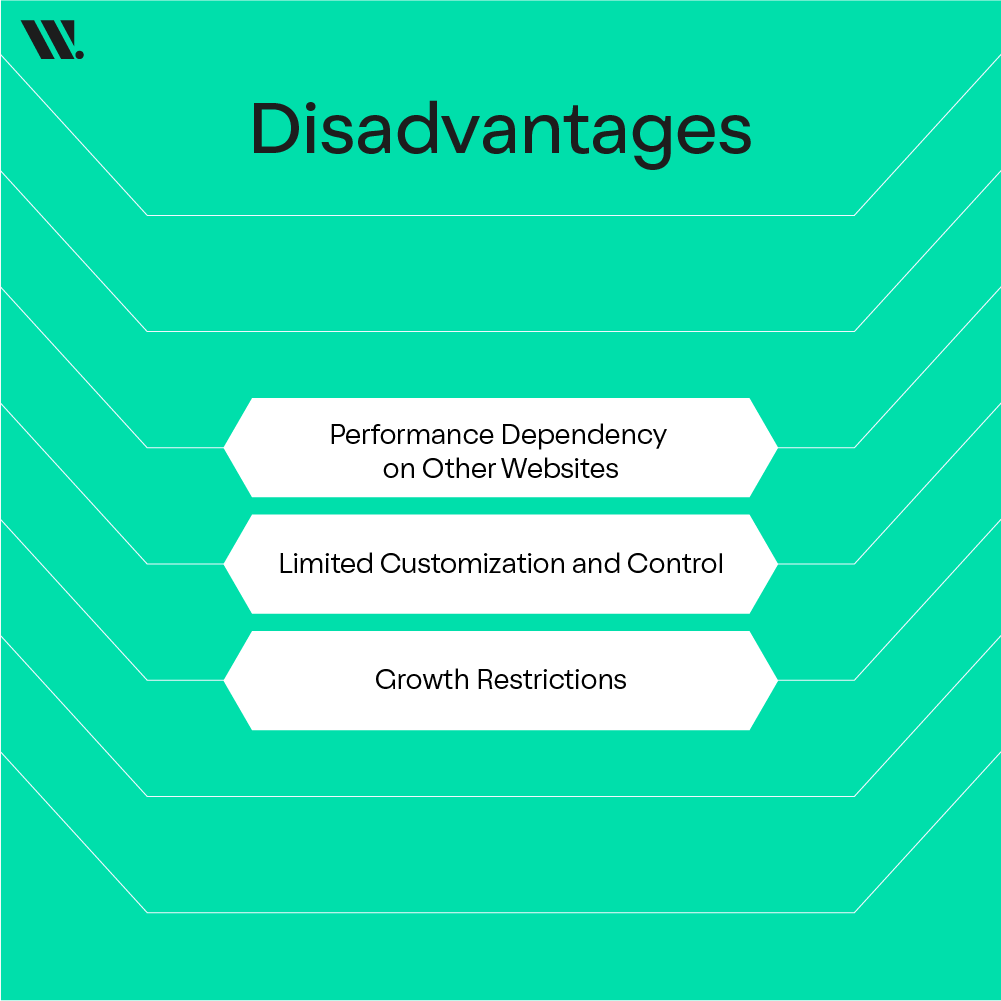
Shared hosting has limits because many websites depend on the same server. Understanding these drawbacks helps avoid future frustration.
Performance Dependency on Other Websites
Since resources are shared, one busy website can affect others. Traffic increase or heavy scripts may slow down nearby sites, especially during busy hours.
Limited Customization and Control
Users cannot change server settings freely. Advanced configurations, custom software, or specific server-level tools are usually not allowed.
Growth Restrictions
As traffic increases, shared hosting may no longer handle demand smoothly. Websites with growing audiences often need upgrades to maintain speed and stability.
What are the Alternatives to Shared Hosting?
If shared hosting feels too limited, look at other options. VPS gives more power with your own slice of the server. Dedicated means one full server just for you.
Feature | Shared Hosting | VPS Hosting | Dedicated Hosting |
Cost | Low | Medium | High |
Resources | Shared | Virtual split | Fully dedicated |
Control | Basic | Advanced | Full |
Performance | Good for small sites | Stable | High-end |
Best For | Beginners | Growing sites | Large platforms |
Common Shared Hosting Use Cases
Shared hosting fits many everyday website needs where traffic and complexity remain manageable.
Personal Blogs and Content Sites
Writers and hobby bloggers use shared hosting to publish articles, images, and updates without worrying about server management.
Small Business Websites
Local service providers use shared hosting for service pages, contact forms, and business information. These sites usually receive steady but moderate traffic.
Startup and Campaign Landing Pages
New businesses often test ideas using simple landing pages. Shared hosting allows fast deployment at a low cost during the early stages.
Educational and Portfolio Websites
Students, freelancers, and professionals host portfolios and project pages easily on shared servers.
Is Shared Hosting Right for You?
Shared hosting works best for users who want a simple, affordable, and managed solution.
You should consider shared hosting if:
Your website traffic is low to medium.
You prefer low costs and simple tools.
You want the hosting company to manage the server.
Your website does not require custom server software.
Shared hosting may not suit you if your website expects heavy traffic, complex applications, or strict performance requirements. In such cases, VPS or dedicated hosting offers better control and stability.
If you’re planning to start or grow your website, shared hosting is a reliable and cost-effective way to get online quickly. WebSouls offers affordable shared hosting plans that come with extras, including a free domain for the same period. We provide web solutions both in Pakistan and globally, and you can reach out anytime for a free consultation to find the plan that fits your needs perfectly.
FAQs for Shared Hosting
1. Is shared hosting good for ecommerce?
Shared hosting can work for small online stores with low traffic. However, for large stores with high sales volume, VPS or dedicated hosting is better for speed, security, and performance.
2. Can I host multiple domains on shared hosting?
Yes, many shared hosting plans allow you to host multiple websites using the same account. Each site gets its own folder and domain, while sharing server resources.
3. Do I get email accounts with shared hosting?
Yes, most shared hosting plans include email accounts linked to your domain. You can create and manage multiple professional emails through the control panel.
4. Can I use WordPress or other CMS on shared hosting?
Yes, shared hosting supports popular CMS platforms like WordPress, Joomla, and Drupal. Most providers offer one-click installation to make setup easy.
5. Can I upgrade my shared hosting plan later?
Yes, Websouls allows you to upgrade to higher-tier shared plans, VPS, or dedicated hosting as your website grows without moving.
6. Does shared hosting affect SEO?
Not directly. Shared hosting itself does not impact search rankings, but slow loading times or frequent downtime can affect SEO. Choosing a reliable host avoids these issues.
7. Are shared hosting servers secure?
Yes, Websouls include security measures like firewalls, malware scanning, and account isolation. While shared hosting is safe, extremely high-security applications may require VPS or dedicated hosting.